
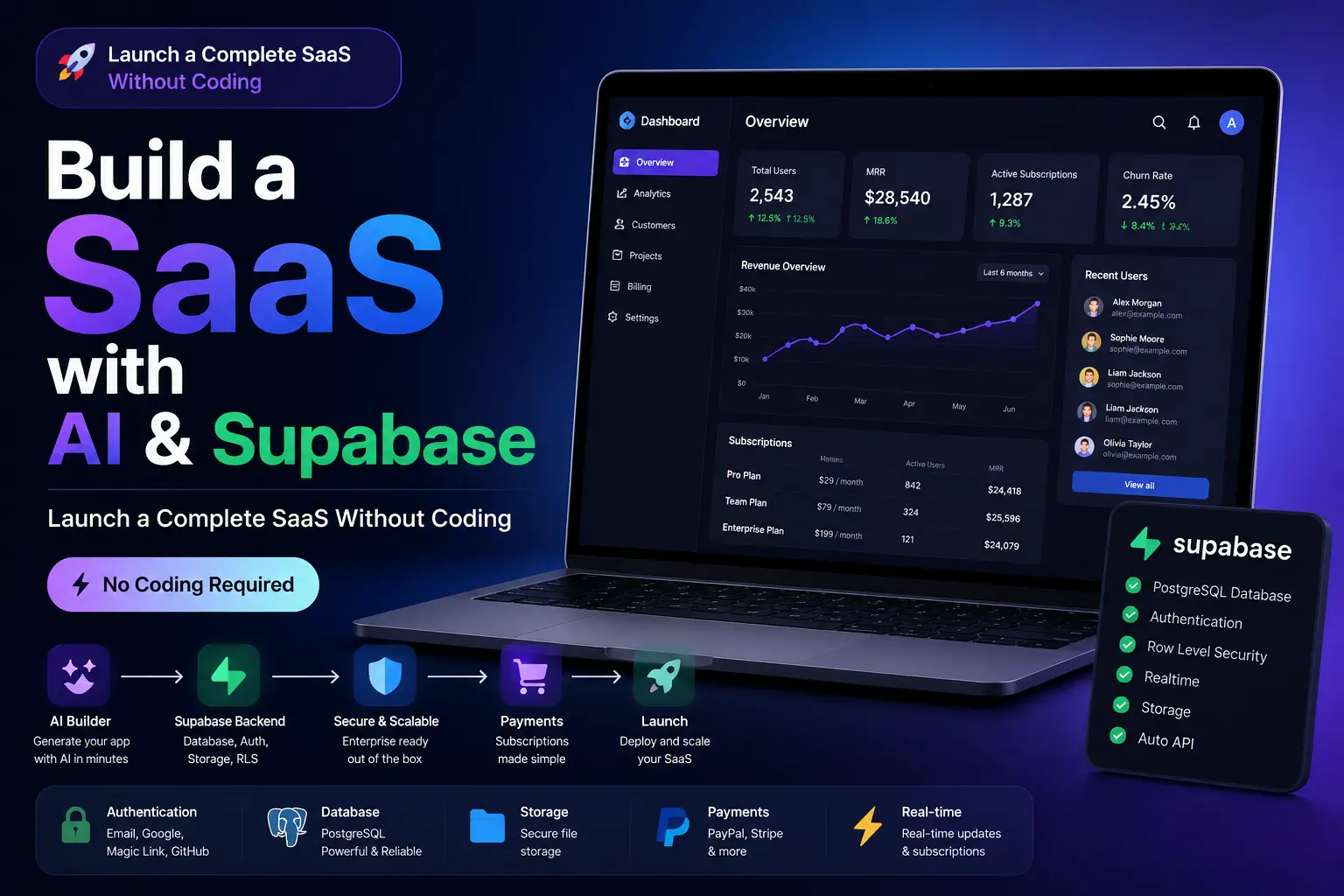
Building a SaaS used to require months of development, expensive engineers, and complex infrastructure. In 2026, AI-powered app builders and modern backend platforms like Supabase have completely changed the game.
Today, anyone can create a fully functional SaaS product with authentication, databases, dashboards, and payment systems without writing a single line of code.
In this guide, you'll learn how to build a SaaS using AI and Supabase from idea to launch.
Why Use AI + Supabase?
AI can generate the frontend, backend logic, dashboards, forms, and workflows in minutes.
Supabase provides:
- PostgreSQL database
- User authentication
- File storage
- Row Level Security (RLS)
- Real-time updates
- API generation
Together, they eliminate most of the traditional development work.
Step 1: Define Your SaaS Idea
Start with a clear problem to solve.
Examples:
- AI content generator
- CRM platform
- Appointment booking system
- Project management tool
- Video generation platform
- Affiliate marketing dashboard
The more specific your niche, the easier it is to attract customers.
Step 2: Generate the Application with AI
Describe your application in plain English.
Example prompt:
Create a SaaS platform for fitness coaches. Users can sign up, manage clients, track workouts, upload progress photos, and subscribe to monthly plans.
The AI will generate:
- Landing pages
- User dashboard
- Navigation
- Forms
- Database structure
- Authentication flows
What previously took weeks can now be created in minutes.
Step 3: Connect Supabase
Once your application structure is generated, connect a Supabase project.
The AI can automatically create:
- User tables
- Customer data tables
- Subscription records
- Activity logs
- Secure database policies
Every user only sees their own data through Row Level Security.
Step 4: Add Authentication
Authentication is essential for every SaaS.
With Supabase, you can enable:
- Email login
- Magic links
- Google authentication
- GitHub authentication
- Password reset flows
The AI can automatically connect these features to your application.
Step 5: Add Payments
Most SaaS products generate revenue through subscriptions.
Popular payment providers include:
- PayPal
- Stripe
- Paddle
Typical plans:
- Free Plan
- Starter Plan
- Pro Plan
- Enterprise Plan
The AI can generate pricing pages and subscription management interfaces automatically.
Step 6: Launch Your SaaS
Before launch:
- Test signup flow
- Test payments
- Test database permissions
- Optimize mobile experience
- Add analytics
- Configure custom domains
Once completed, your SaaS is ready for real users.
SEO Tips for SaaS Growth
Create content targeting keywords such as:
- AI SaaS Builder
- Build SaaS Without Coding
- AI App Builder
- No-Code SaaS Platform
- Supabase App Builder
- AI Web App Generator
These keywords attract users actively looking for solutions.
Final Thoughts
The combination of AI and Supabase has dramatically reduced the barriers to building software businesses.
Instead of spending months learning programming or hiring developers, entrepreneurs can now launch complete SaaS products in days.
If you're looking for the fastest way to build and launch a software business in 2026, AI-powered development combined with Supabase is one of the most effective approaches available today.
By aisiteforger.com






Leave a comment
Your email address will not be published. Required fields are marked *